What it tracks
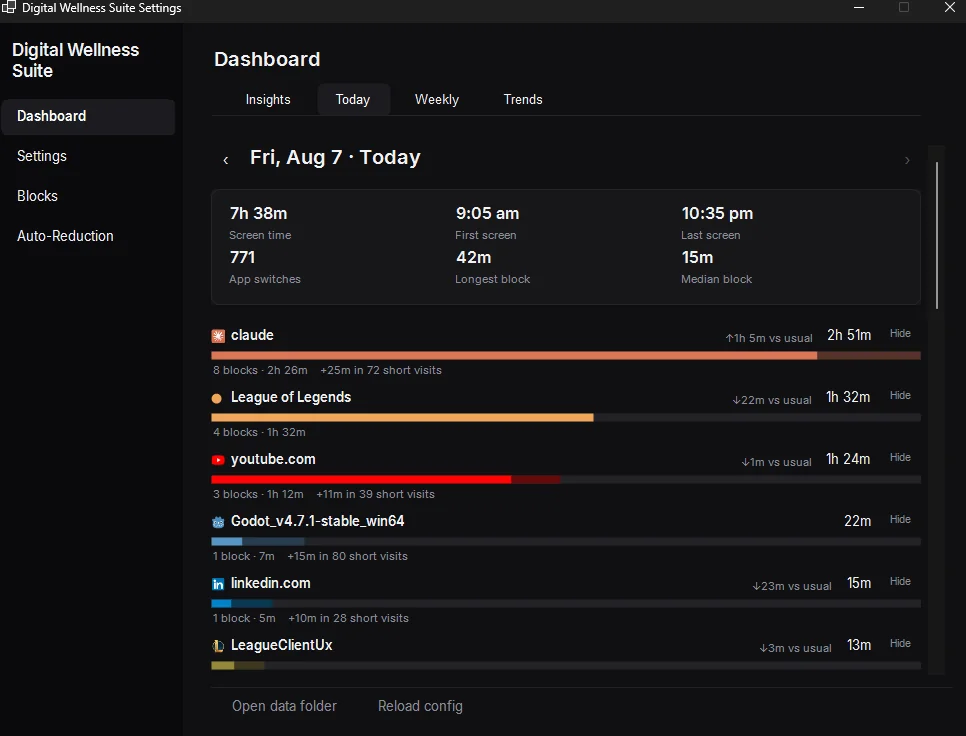
Digital Wellness Suite tracks three things: total screen time, how often you switch between apps, and time spent in each app and website. The daily dashboard shows all three for today.
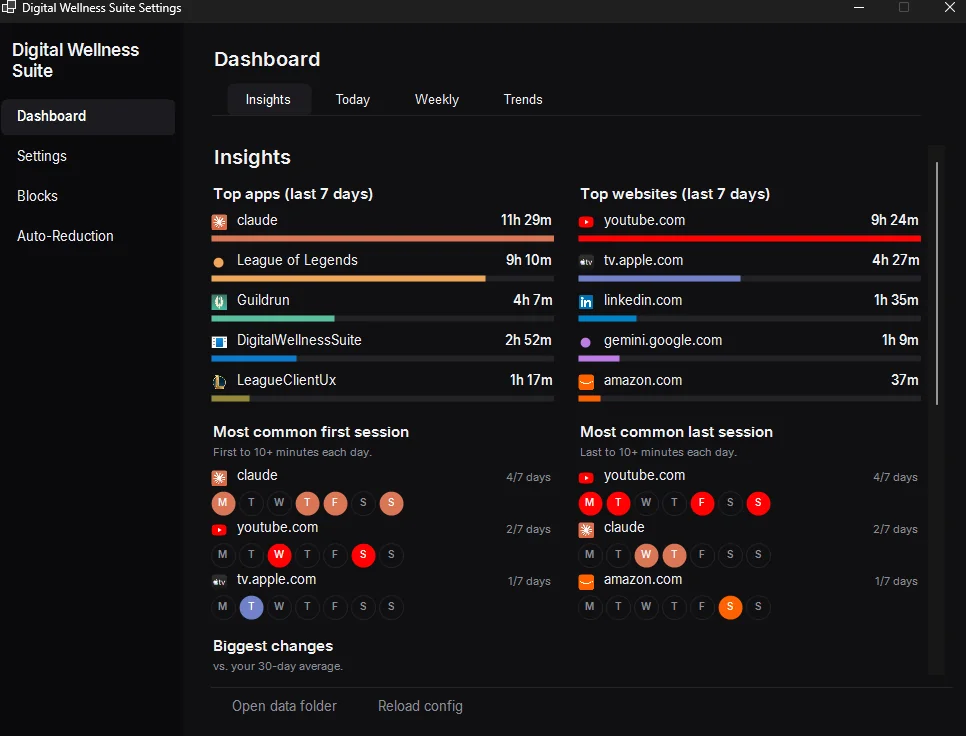
The insights view rolls that up over the last seven days, so you see which apps and sites take your time instead of guessing.
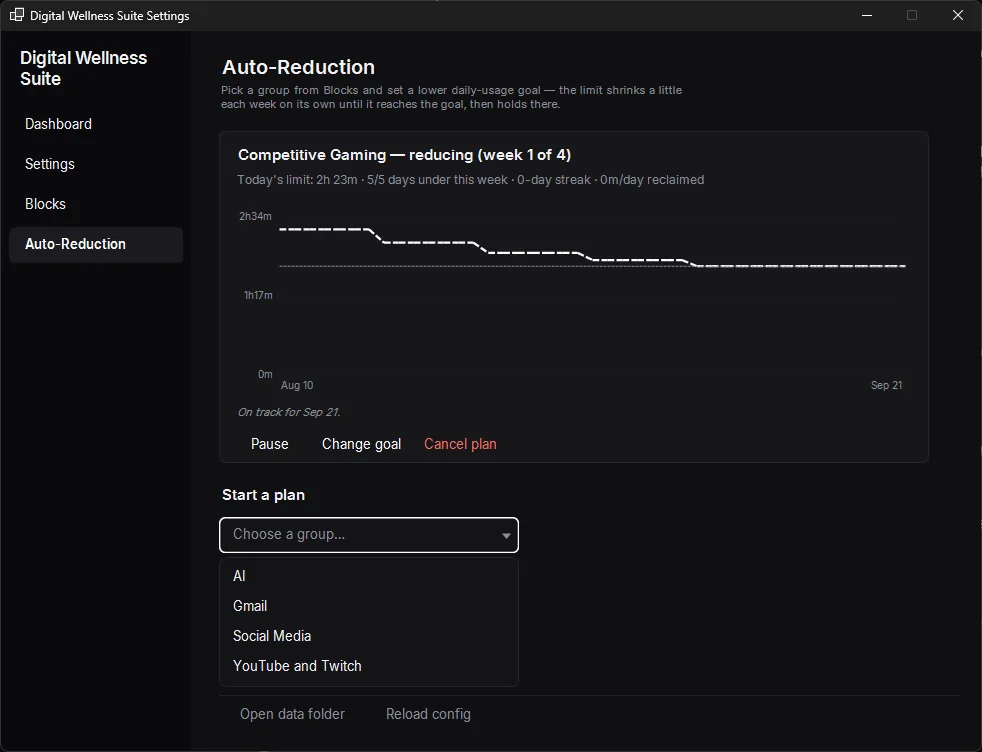
Auto-Reduction: limits that lower themselves
Most screen-time tools hold a limit wherever you set it until you go back and lower it yourself. Set a target for any app or site in Digital Wellness Suite, and Auto-Reduction moves the current limit toward that target on its own, a little each week.
You set the goal once. The app adjusts the limit every week after that, so the habit shift happens over a month instead of depending on one day of willpower.
Blocks
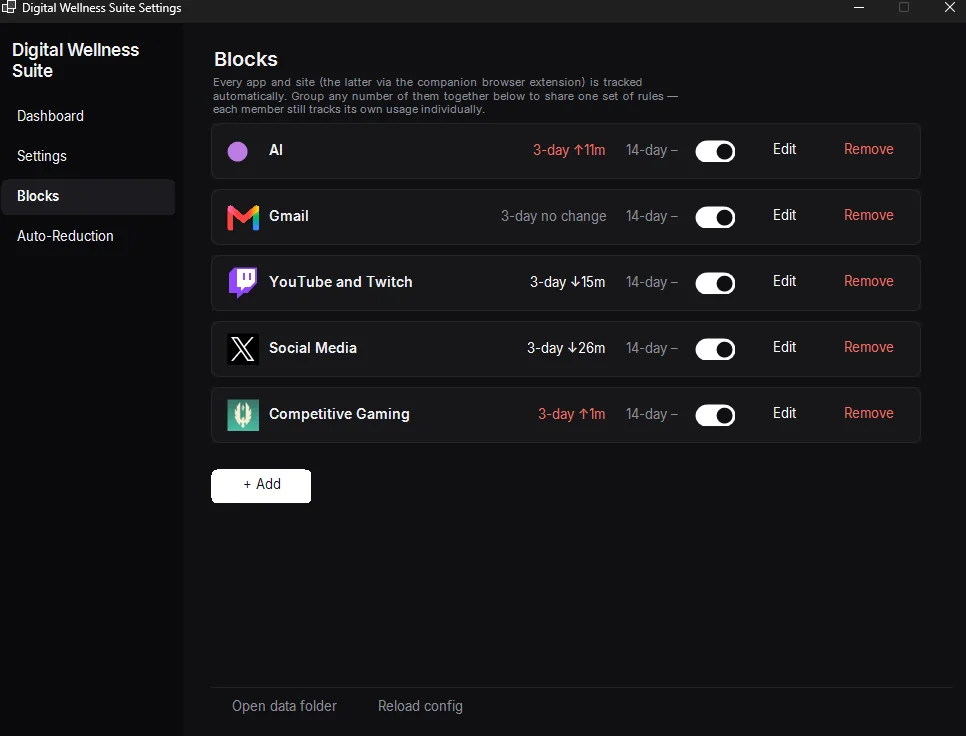
The blocks view groups related apps and sites and shows how your time in each group changed from last week, so you can see whether a limit change worked without digging through raw numbers.
Frequently asked questions
What does Digital Wellness Suite track?
Total daily screen time, how often you switch between apps, and time spent in each app and website. The dashboard shows today's numbers; the insights view rolls up the last seven days.
What is Auto-Reduction?
Set a target limit for any app or site, and Auto-Reduction lowers the current limit toward that target on its own, a little each week, instead of you adjusting it by hand.
What platform does it run on?
Digital Wellness Suite is a native Windows desktop app.
How is this different from Windows' built-in screen time tools?
Windows' built-in tools show usage and hold a limit wherever you set it. Auto-Reduction moves the limit itself, week by week, toward a target you only set once.