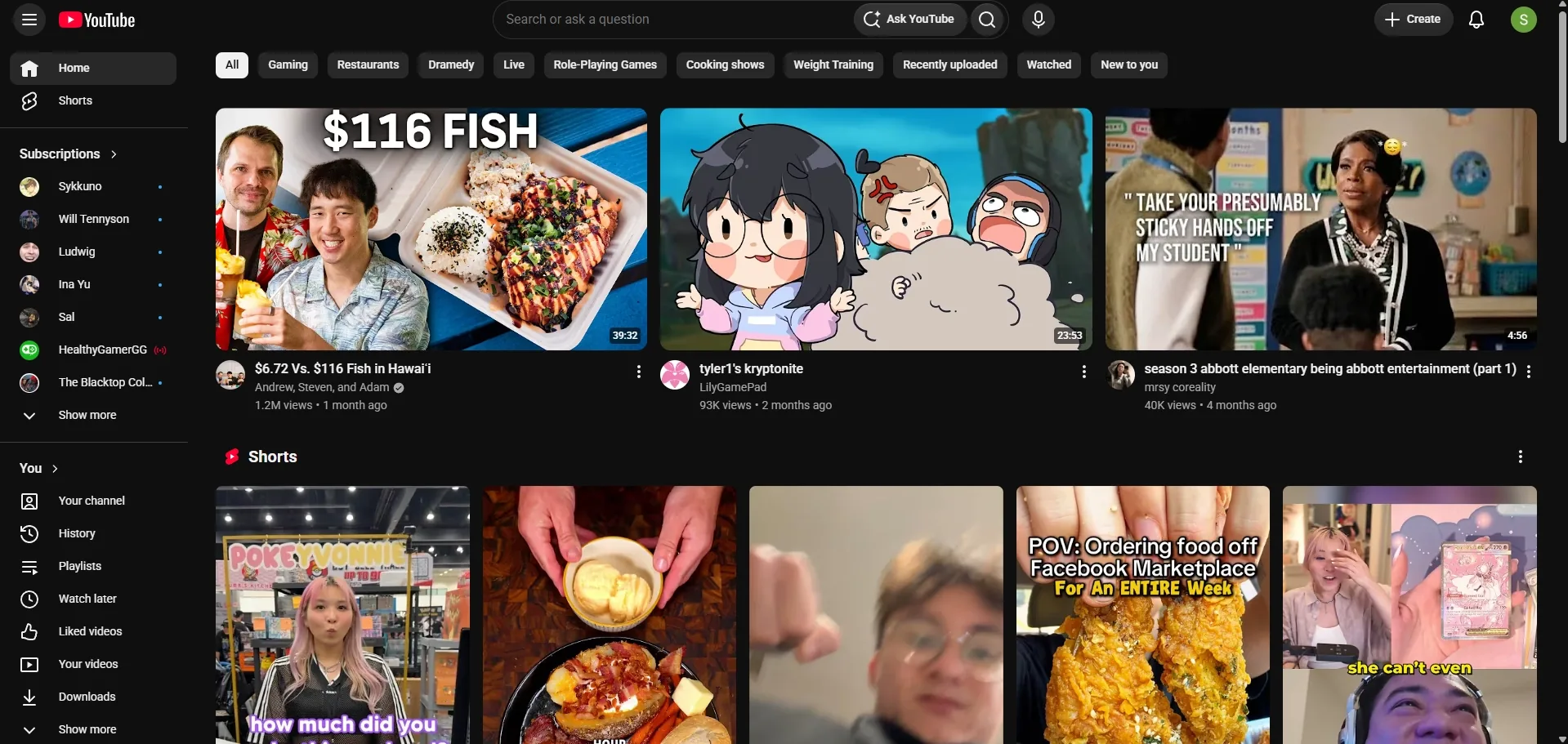
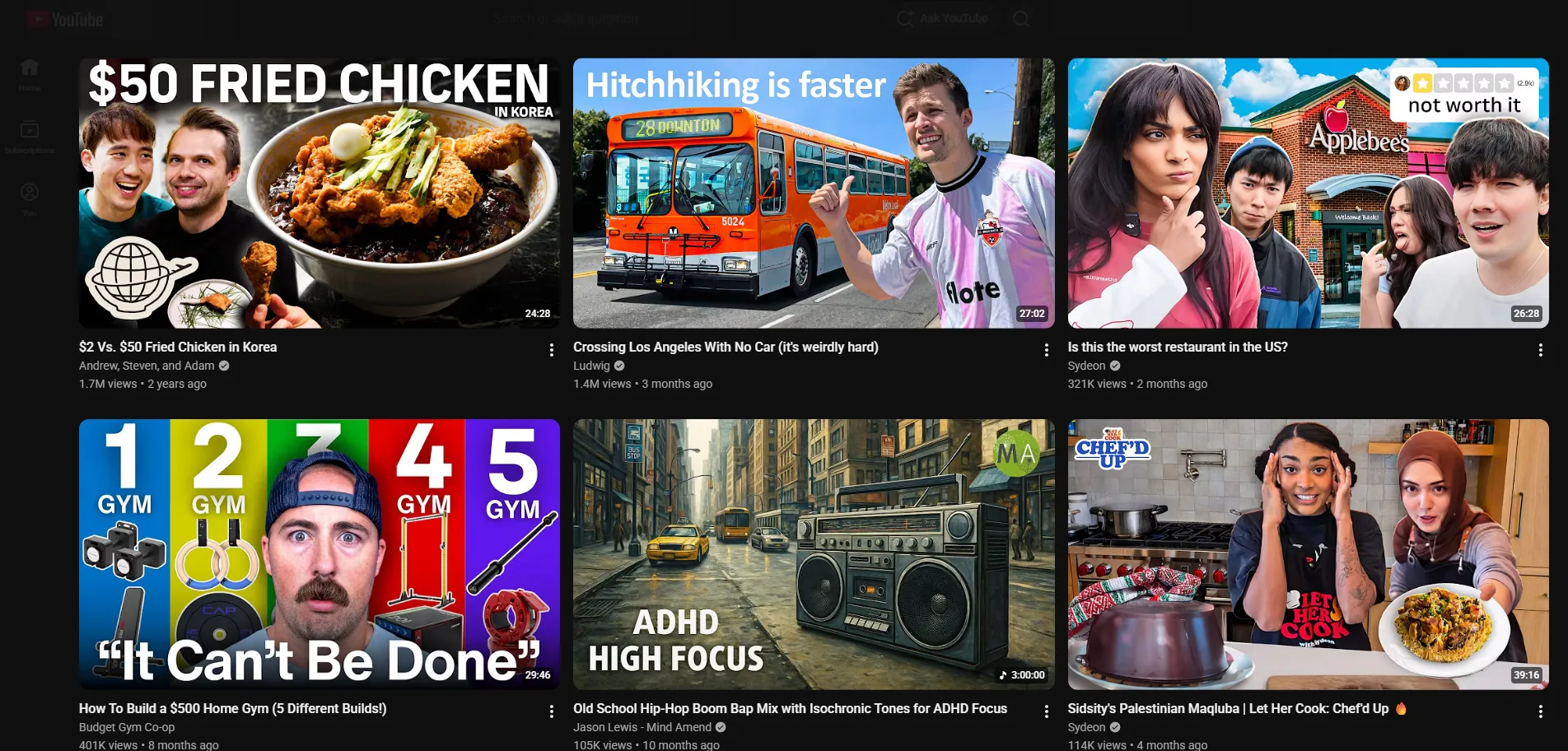

The home feed, without the pull
YouTube's home feed pushes a Shorts shelf, autoplay previews, and a sidebar of recommended videos at you before you choose anything. Essentialist removes all three, so the feed shows what you asked for and nothing else.
A watch page built for watching
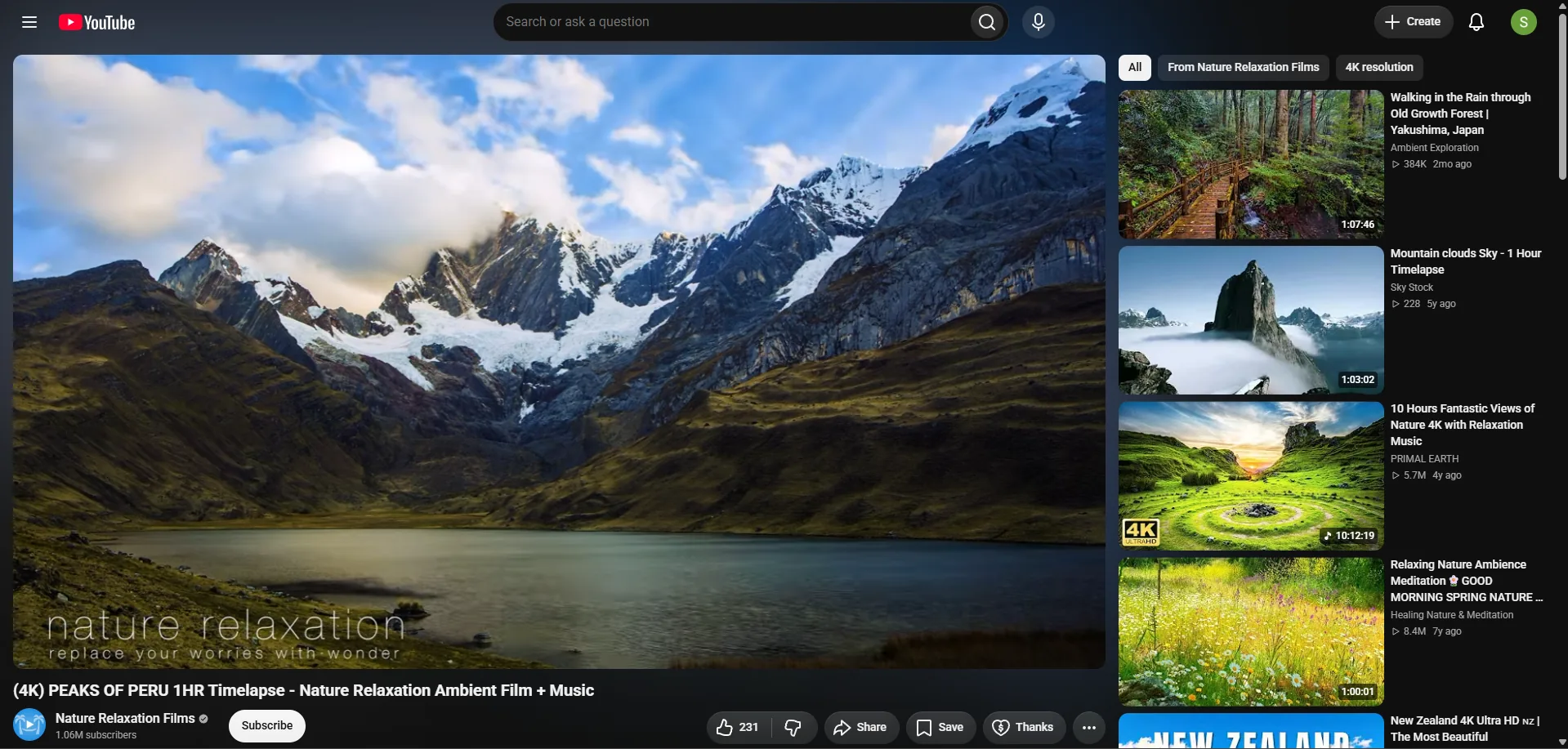
On the video page, Essentialist hides the sidebar, the comments, and the end-of-video suggestions, the parts of the page built to pull you into the next video before you finish the one you opened. What remains is the player and the video you clicked.
Flip it on when you want it
Essentialist works as a switch. Turn it off to see the default YouTube layout, turn it back on for the stripped-down version, any time.
Frequently asked questions
What does Essentialist remove from YouTube?
On the home feed: the Shorts shelf, autoplay previews, and sidebar clutter. On the watch page: the sidebar, comments, and recommended videos, leaving a distraction-free player.
Can I turn Essentialist on and off?
Yes, it works as a switch, so you can move between the default YouTube layout and the stripped-down one whenever you want.
Which browser does Essentialist work in?
Essentialist is a Chrome extension, available on the Chrome Web Store.